
The best AI for personal finance: ChatGPT vs Claude vs Gemini
The best AI for your personal finances depends on where you live: ChatGPT and Claude can now read bank accounts, but only from U.S. banks, and Gemini doesn’t connect to banks. In the U.S., ChatGPT’s Finances works on every plan and Claude’s Personal Finance from Pro up, so you don’t need another app to see your bank in the chat. Anywhere else, the AI you can connect to the app where you track your spending wins, and Claude leads there: its free plan allows one custom connector, such as AI Money’s (part of its Elite plan), which lets it read your up-to-date figures. ChatGPT needs a paid plan for the same, and Gemini fits if your money already lives in Google Sheets. None of them replaces a financial advisor. Reviewed November 20, 2026.
Disclosure: this article is published by AI Money, a personal finance app with a connector for AI assistants. AI Money isn’t affiliated with OpenAI (ChatGPT), Anthropic (Claude) or Google (Gemini). Prices, plans and countries come from each company’s official pages, checked on November 20, 2026; the amounts in the chats are examples.
Most “best AI” rankings measure which model writes or codes better. With your money, three other things matter: what data the AI can see, what its free plan gives you and whether it works in the country where you live. This comparison answers those three for ChatGPT, Claude and Gemini.
2 of 3 in the U.S., 0 of 3 anywhere else. ChatGPT and Claude link only U.S. banks, and Gemini doesn’t connect to banks, so outside the U.S. none of the three reads your bank today. We checked on November 20, 2026, on the official pages of OpenAI, Anthropic and Google.
How do ChatGPT, Claude and Gemini compare for personal finance?
Official prices in U.S. dollars, before tax, as each company shows them in the U.S.
| What you need | ChatGPT | Claude | Gemini |
|---|---|---|---|
| Read your bank | Finances, through Plaid: U.S. banks only, on every plan | Personal Finance, through Plaid: U.S. banks only, on Pro, Max and Ultra (beta) | Doesn’t connect to banks |
| Connect a finance app | Paid plans only; not on Free or Go | Every plan; one connector on Free | Custom apps: U.S. only, in English, on the web |
| Analyze your own file | Yes; limited on Free | Yes: CSV and PDF, up to 20 files per chat | Yes: documents and spreadsheets, up to 10 per message |
| Paid plans | Go; Plus, $20 a month; Pro, from $100 a month | Pro, $20 a month ($17 billed yearly); Max, $100; Ultra, $200 | Google AI Plus, $4.99 a month; Pro, $19.99; Ultra, from $99.99 |
| Keep your chats out of training | Turn it off in Data controls (it’s on by default) | Turn it off in your account’s privacy settings | Turn off Gemini activity or use a temporary chat |
| Best if you… | Live in the U.S. and want your bank in the chat, even on the free plan | Want the AI to read the app where you track spending, even without paying for Claude | Already keep your money in Gmail and Google Sheets |
Can ChatGPT, Claude or Gemini see my bank account?
Yes, but only if your bank is in the U.S.: ChatGPT and Claude link accounts through Plaid, and Gemini doesn’t connect to banks. Both bank features read and don’t act: neither one moves money.
Finances in ChatGPT reads your balances, transactions, investments and debts. OpenAI launched it for Pro on May 15, 2026, opened it to Plus on June 25 and, since October 2, has been rolling it out to Free and Go. According to OpenAI, ChatGPT can’t see full account numbers or make changes to your accounts.
Personal Finance in Claude launched in beta on November 5, 2026, for the Pro, Max and Ultra plans. It links U.S. bank, card, loan and investment accounts, reads up to 24 months of transactions, and its access is read-only, according to Anthropic’s help center. It isn’t on Free, Team or Enterprise.
Gemini has no feature to link your bank. Its Personal Intelligence uses your Gmail, Photos, Search and YouTube as context, and it’s in beta almost everywhere, except the European Economic Area, Switzerland, the U.K. and Nigeria.
In Canada, the U.K., India or Australia, none of the three reads your bank today. For the AI to work with your real transactions there, you have three paths: paste your numbers, upload a file, or connect it to the app where you log them.
Which AI should you use for your money?
- You live in the U.S. and want your bank in the chat: Finances in ChatGPT, which works on every plan. Personal Finance in Claude does the same from Pro up. You don’t need another app for this.
- You live in the U.S. but pay a lot in cash or in more than one currency: a bank feed shows the ATM withdrawal, not what the cash paid for. Logging those expenses in an app the AI can read fills that gap.
- You live outside the U.S. and want the AI to see your real spending: Claude with a connector to the app where you log it. Its free plan allows one.
- Your money lives in Google Sheets: Gemini, which works inside Sheets with Google AI Pro or Ultra.
- You only want to learn or build a budget: any of the three on its free plan. To start, copy one of these 31 personal finance prompts.
What’s the best free AI for personal finance?
In the U.S., ChatGPT Free is the one getting bank linking: Finances has been rolling out to free users since October 2, 2026. Outside the U.S., Claude Free goes further, because it allows a custom connector and ChatGPT’s free plan doesn’t. For questions, budgets and analyzing a file, all three work on their free plans. Gemini’s custom apps exist only in the U.S., for people 18 and older, with a personal account and in English.
With a CSV of your transactions, account numbers removed, any of the three groups your spending by category and tells you where the money goes. What a chat doesn’t do on its own is stay up to date: next month you have to give it your numbers again, and the cash you didn’t write down, nobody sees. That’s what an app that logs for you, and that the AI can read, is for.
Gemini or ChatGPT for personal finance?
Gemini suits you if your money already lives in Gmail and Google Sheets, and ChatGPT if you’re in the U.S. and want it to read your bank. Outside the U.S., both work with what you give them.
Gemini inside Sheets comes with Google AI Pro ($19.99 a month in the U.S.) and with Ultra; the Plus plan brings it only to Gmail. Its Personal Intelligence can use your Gmail as context if you turn it on, except in the European Economic Area, Switzerland, the U.K. and Nigeria.
ChatGPT has the bank advantage in the U.S. To connect a finance app from another country it needs a paid plan, and on Pro that connection is read-only, according to OpenAI’s help center. If you’re torn between ChatGPT and Claude, the full Claude vs ChatGPT comparison covers memory, files and your phone.
How do I get an AI to see my spending if I live outside the U.S.?
With a connector: you log your spending in an app and the AI reads it from there, without touching your bank, the same in Toronto, London or Mumbai. This is how you use AI anywhere with AI Money:
- Log it however is easiest. Type “lunch 12”, send a voice note, a receipt photo or a message on WhatsApp. The free plan gives you 2 AI entries a day.
- Connect your AI. With AI Money’s Elite plan you add its connector in Claude, even on Claude Free, or in ChatGPT with a paid plan.
- Ask from anywhere. Claude reads your up-to-date summary and can log an expense for you; in ChatGPT, what it can do depends on your plan’s permissions. You confirm in the app anything that moves money or deletes something, and a proposal nobody confirms expires after 7 days.
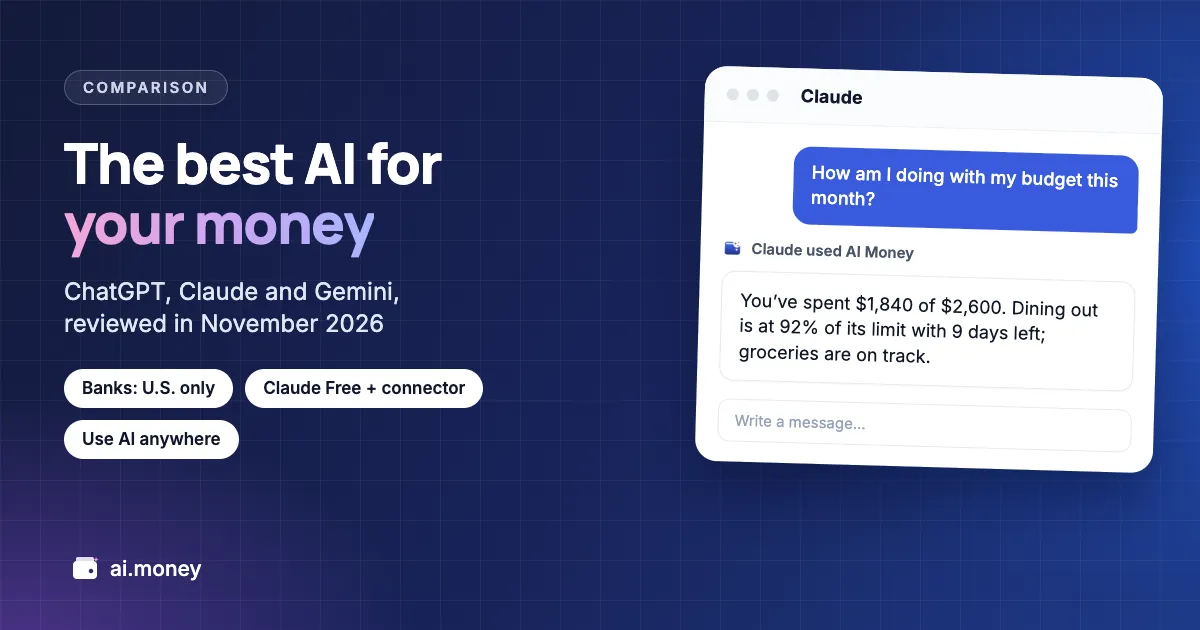
Here’s how it looks in Claude, with example figures in U.S. dollars:
How am I doing with my budget this month?
You’ve spent $1,840 of your $2,600 for the month. Dining out is at 92% of its limit with 9 days left; groceries are on track.
Log $14 for lunch, paid with my debit card.
Done: a $14 expense in Food, in the Debit card account, dated today. You’ll see it in AI Money the next time you open the app.
If you’d rather the AI not see your numbers, choose “Log only”: it can add expenses and income, but it won’t see your balances, savings, debts or transactions. And inside the app, Denis, AI Money’s assistant, answers with the same figures. In the U.S., this also covers what a bank feed misses, like cash. On WhatsApp, in Claude, in ChatGPT or in the app: the AI goes with you.
Is it safe to give an AI your financial information?
It’s reasonable if you give it numbers, not credentials: don’t share your bank password, your full card number or your Social Security number with any AI. ChatGPT’s and Claude’s bank features are read-only, and you grant access to your bank on Plaid’s page, not inside the chat.
- ChatGPT: on Free, Plus and Pro, your chats help improve the model unless you turn it off in Data controls; turning it off doesn’t delete your history.
- Claude: Anthropic may use your chats to train its models unless you opt out in your account settings, according to its privacy policy.
- Gemini: your Gemini activity setting decides whether your chats train the models, and temporary chats aren’t used for that. According to Gemini’s help, people review a portion of chats, and those are kept for up to three years.
With AI Money connected, the AI reads a summary the app prepares with your balances, budgets and spending for the month, not your full list of transactions, and the payment details you keep in the app to get paid back stay on your phone.
What should I ask an AI to get started?
Three prompts that work in all three, with example figures in U.S. dollars:
- “Here are my October expenses in a CSV, account numbers removed. Group them by category and tell me which three small expenses repeat the most.”
- “I make $4,500 a month and pay $1,400 in rent, $280 in utilities and $320 in transportation. Build a 50/30/20 budget and tell me how much I have left to save.”
- “I want to save $12,000 in 18 months. How much do I need to set aside each month, and which expense should I cut first?”
There are 28 more, by topic, in personal finance prompts for Claude and ChatGPT.
Frequently asked questions about the best AI for personal finance
It depends on where you live. If your bank is in the U.S., ChatGPT and Claude can already read it: ChatGPT on every plan and Claude on Pro, Max and Ultra. Outside the U.S., neither one reads your bank, and the better pick is the AI you can connect to the app where you track your spending: Claude allows a custom connector even on its free plan. Gemini is the option if your money already lives in Google Sheets. None of them replaces a financial advisor.
Only in the U.S. Finances in ChatGPT links accounts through Plaid, and since October 2, 2026, it has been reaching every plan there. Outside the U.S., ChatGPT can analyze a file of your transactions that you upload, or read a connected finance app if you have a paid plan.
No. Anthropic launched Personal Finance in beta on November 5, 2026, for the Pro, Max and Ultra plans, and it links only U.S. banks, read-only. It isn’t on Free, Team or Enterprise. From other countries, Claude can read your finances through a custom connector, and its free plan allows one.
For questions, budgets and analyzing a file, ChatGPT, Claude and Gemini all work on their free plans. In the U.S., ChatGPT Free is getting bank linking through Finances. If you also want the AI to read your spending day to day from the app where you log it, Claude Free allows one custom connector; ChatGPT’s free plan doesn’t, and Gemini’s custom apps exist only in the U.S. and in English.
Only what you give it. Gemini doesn’t connect to banks: you can upload a file or a spreadsheet, or work with Gemini inside Google Sheets if you have Google AI Pro or Ultra. Its custom apps, which connect other apps, work only in the U.S. and in English today.
Log your expenses in an app like AI Money, by WhatsApp, voice or photo, and connect it to your AI. With the Elite plan, AI Money connects to Claude, even on Claude Free, or to ChatGPT with a paid plan. Claude reads your up-to-date summary and can log expenses for you, and anything that moves money you confirm in the app. That’s how you use AI anywhere, with your real numbers.
Keep reading
- Claude vs ChatGPT for personal finance: the full comparison
- AI Money in Claude and ChatGPT: how the connector works
- Track expenses on WhatsApp
- Personal finance prompts for Claude and ChatGPT
- How to protect yourself from identity theft, from USAGov
 AI Money
AI expense tracking
Use AI anywhere with AI Money
Log expenses by WhatsApp, voice or photo, free, from any country. With Elite, connect AI Money to Claude or ChatGPT and ask them about your real numbers.
- Free forever
- No card
- Your data stays on your device
